Worked guide / booklet print preparer
Prepare a 9-page PDF booklet: padding, page order and the first print
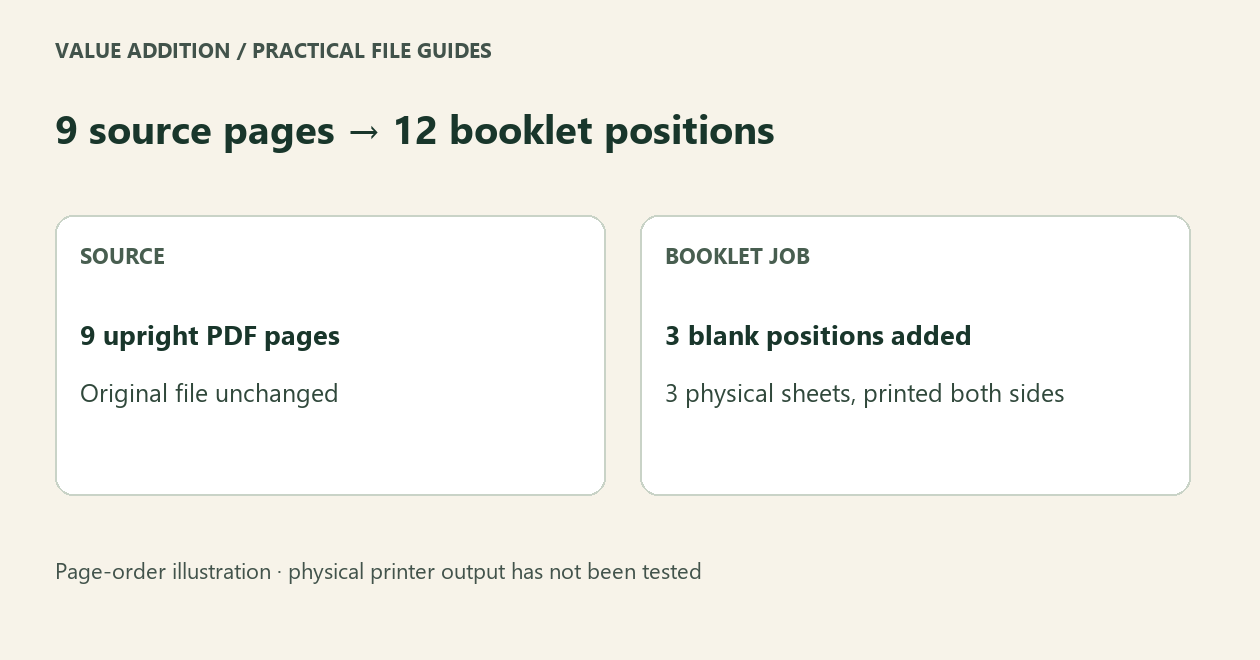
Nine source pages need three blank positions in a 12-page booklet layout. Check the imposed PDF before printing one sheet.
By Value Addition · 15 October 2026 · AI-assisted original guide
Why blank positions appear
A folded sheet has four booklet page positions: two on each side. Nine source pages therefore need twelve positions, with three deliberate blanks. This assumes one nested booklet, not separate signature sections.
Check this order
For a left-bound 12-position booklet, the first sheet has positions 12 and 1 on its front, then 2 and 11 on its back. With nine source pages, positions 10, 11 and 12 are blank. The order proof lets you check which positions are blank before you print.
Start with the working example
Open the free Booklet Print Preparer and choose Try an 8-page demo, then Prepare booklet. It should show two sheets and no deliberate blanks. Download the job ZIP and inspect imposed.pdf and order-proof.pdf. The proof shows order; it is not a rendering of your original artwork.
Then try your nine-page document
Select one static, upright, unencrypted PDF. Choose A4 or Letter and the correct binding. Prepare the booklet and inspect the exported PDF. The free starter accepts one PDF up to sixteen pages and 5 MB. Forms and rotated pages are rejected; no original file is overwritten.
Print one sheet before the run
The exported PDF is already imposed with two source-page positions on each side. Print landscape at Actual size or 100%. Do not apply a second Booklet or 2-up layout. Short-edge duplex is a starting setting, not a promise for every driver. Fold one test sheet and check that fronts, backs and reading order are upright. We have not tested physical printer output; manual-duplex tray direction varies.
Choose the simplest option that works
Adobe Acrobat Reader also offers booklet printing. If direct printing is enough, start there. Our optional $5 USD offline edition is for repeat preparation: up to twelve PDFs per batch, larger supported jobs, separate fronts/backs, signature sections and saved JSON presets. It does not add bleed, crop marks, creep compensation or a prepress certificate.
Source and limits
Adobe documents Booklet printing in Acrobat and Reader; see the source link below. Our actual exported PDF and page-order checks are separate from physical print testing. Printed copies do not retain interactive links, forms or legal signatures. AI-assisted original software and guide by Value Addition. Support: shruti4thewin@gmail.com.
Source: Adobe booklet-printing instructions
Try your supported task first
The free starter is useful on its own. The optional offline batch edition is $5 USD, one time. Check its limits before buying.